1
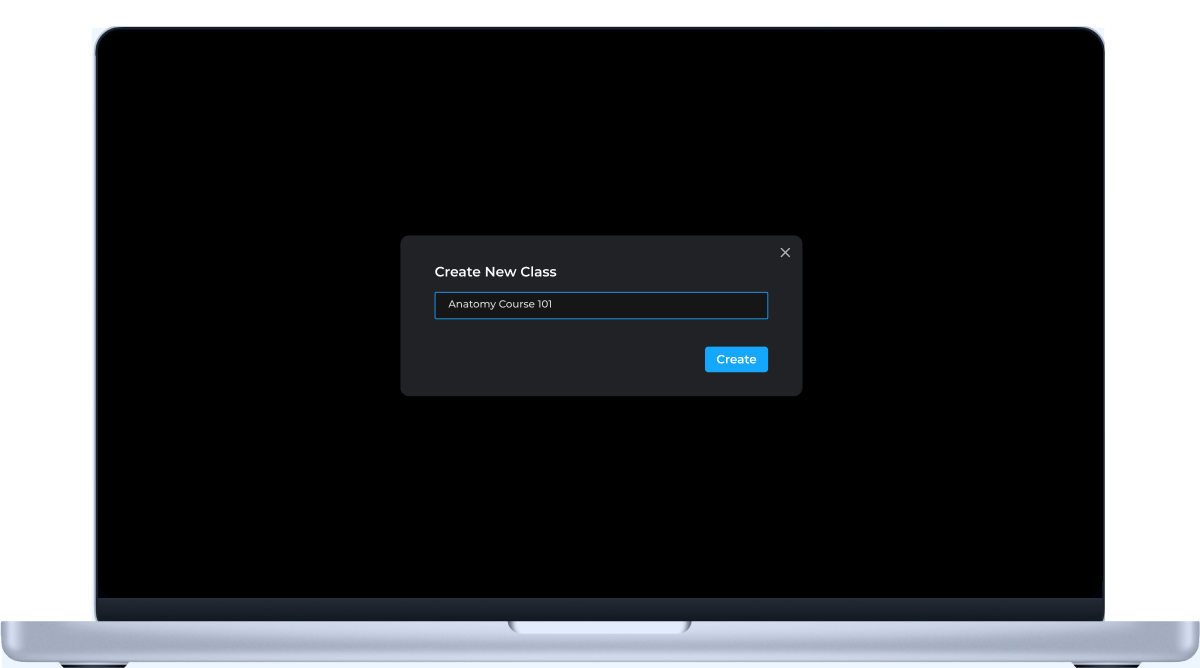
Faculty Create Class
Set up your course in minutes.


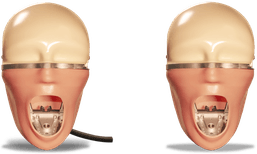
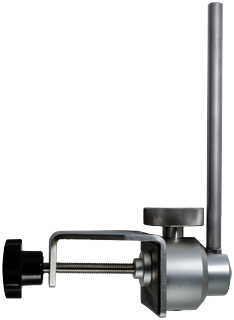
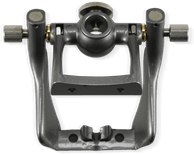


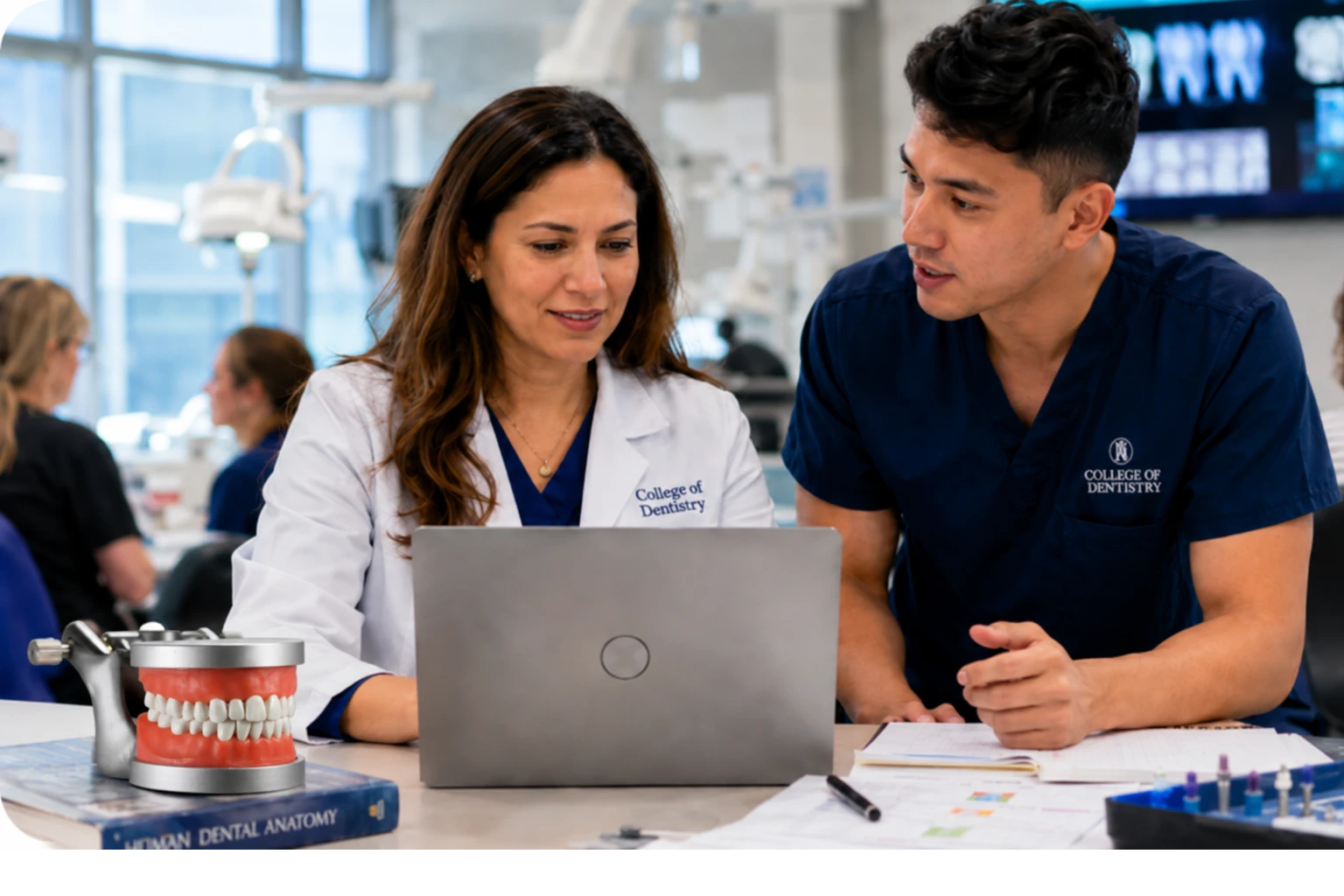
Help students prepare for lab while giving faculty visibility into performance and learning gaps.
OneScreen connects 3D anatomy, assessments, and learning analytics in a single platform. Faculty assign and track activities through the web dashboard, while students review anatomy and complete short mobile exercises after lecture and before lab. Identify learning gaps early and reinforce key concepts before practicals, labs, and exams.
Try for Free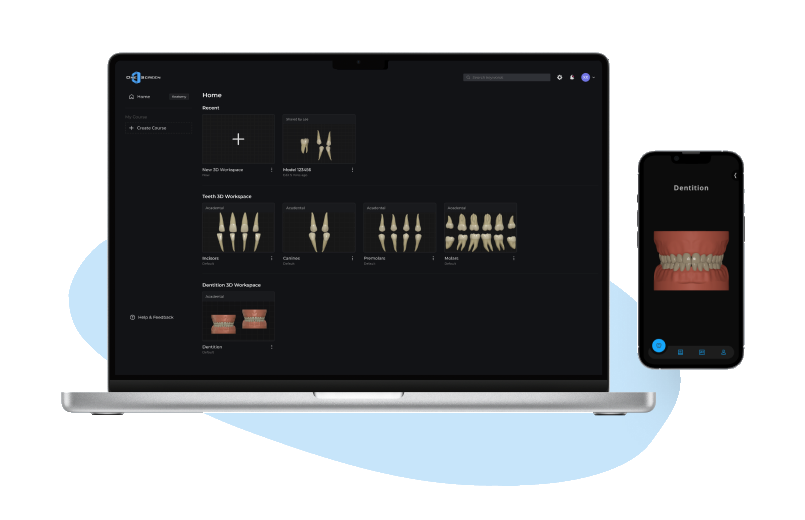
4 Quick Setup Steps
Set up your course in minutes.
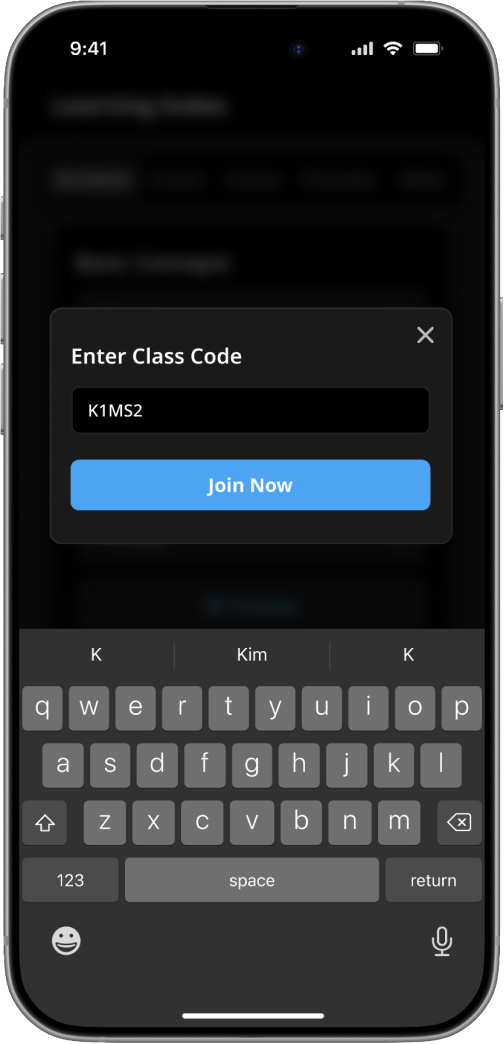
Students enter a class code to join.
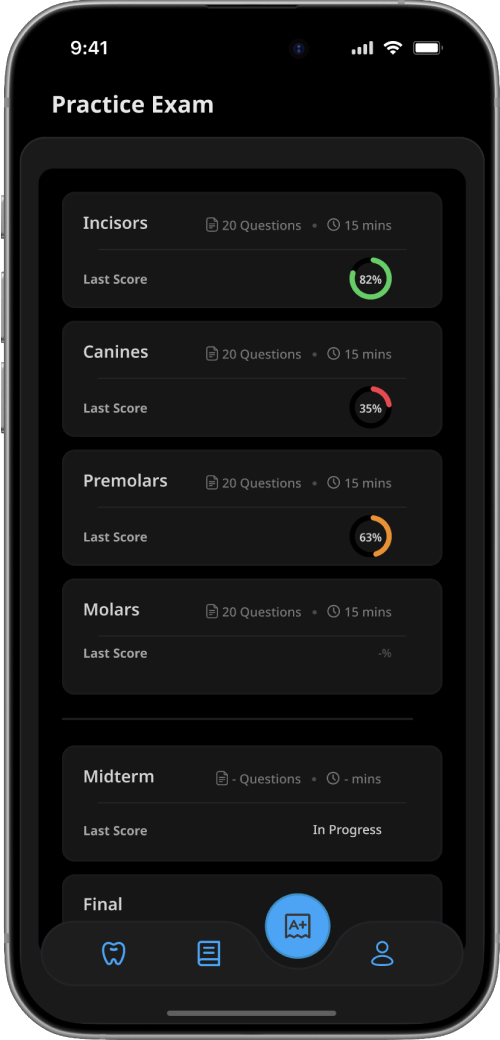
Assign assessments aligned with lecture topics.
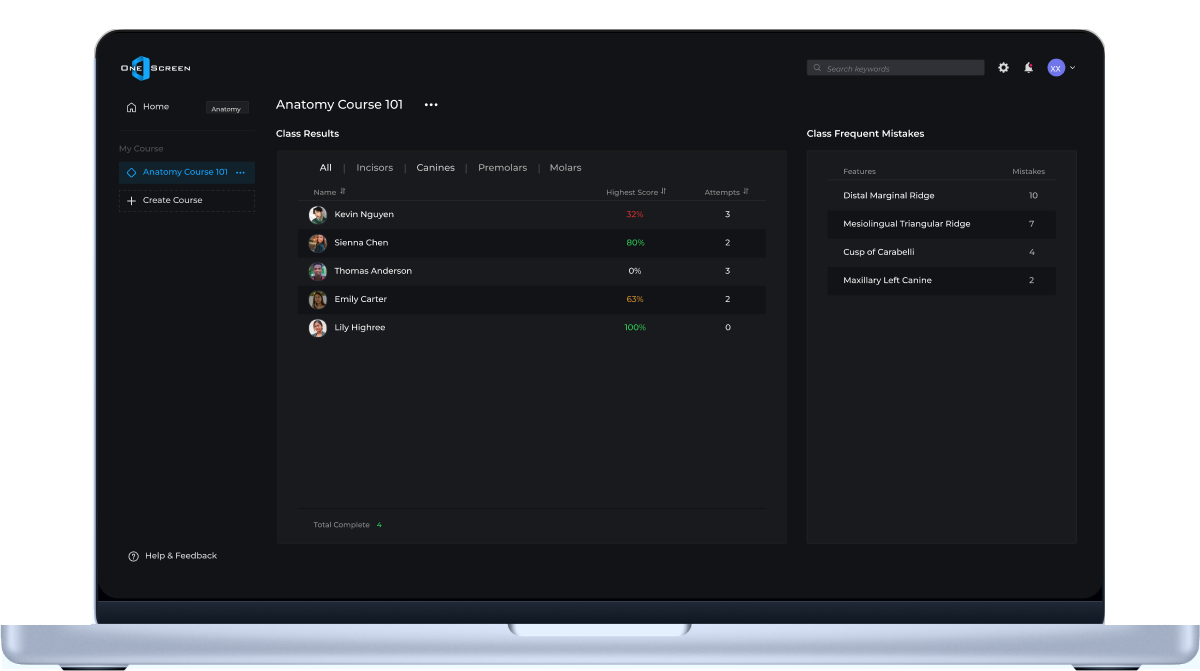
See completion, performance, and knowledge gaps before lab.
Know where students are struggling before they enter lab.

Class & Assessment System
Faculty assign short review activities after lecture and immediately see completion, performance, and learning gaps before lab.
Completion data, assessment results, and performance trends help instructors reinforce key topics at the right time.
Faculty Visibility
Teach → Assign → Discuss → Reinforce
Assign review activities, monitor completion, and identify areas where students need reinforcement through a centralized dashboard.
By understanding where students struggle before lab, instructors can reinforce key concepts at the right time and better support learning throughout the course.
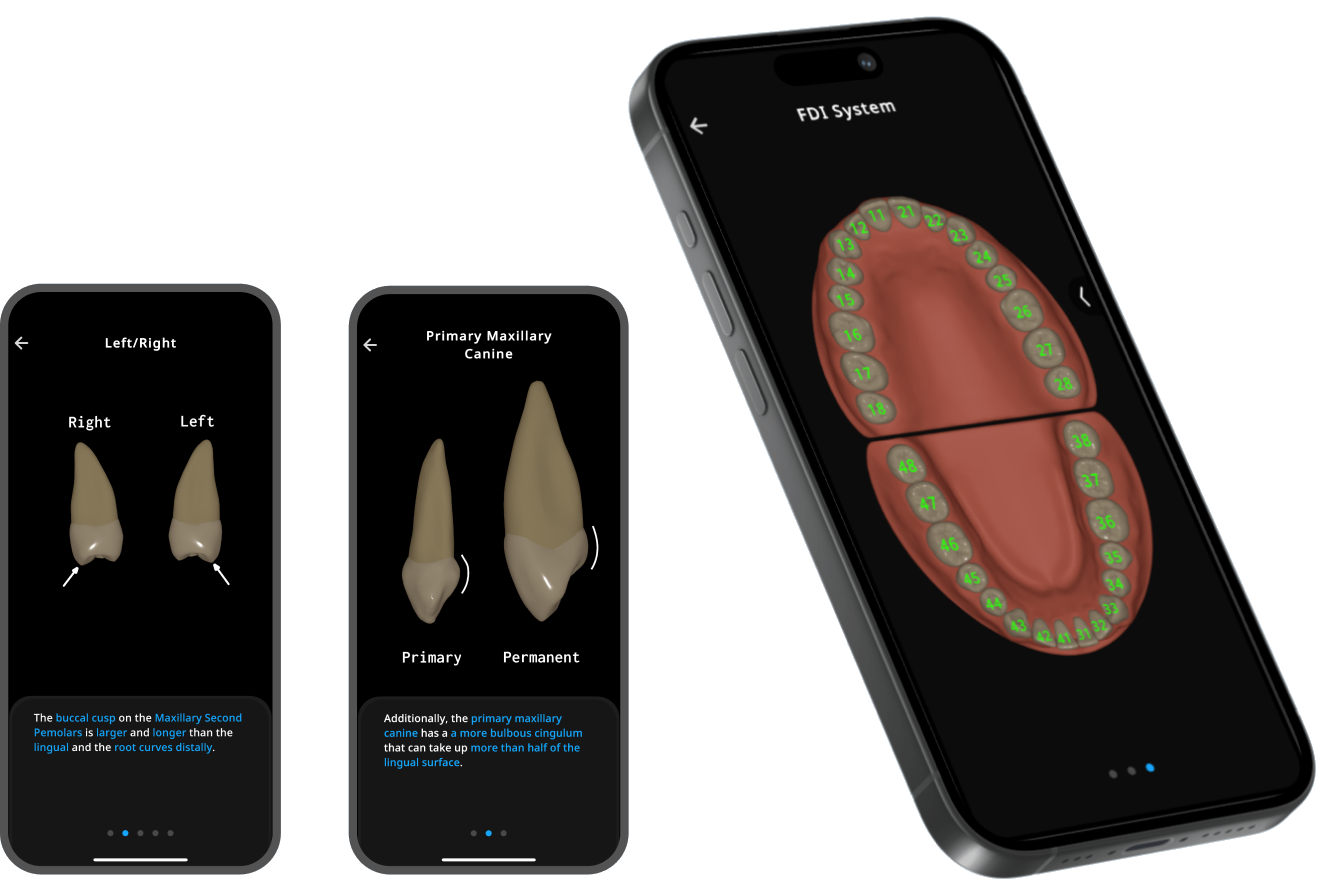
Mobile Learning & Review
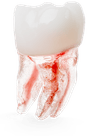
Explore interactive 3D models, compare tooth morphology, and review key anatomy concepts anytime between lecture and lab.
Reinforce tooth identification, morphology, landmarks, and anatomy concepts through focused quizzes and guided review exercises.
Receive immediate feedback, review incorrect answers, and identify areas that need additional study before quizzes, practicals, and exams.


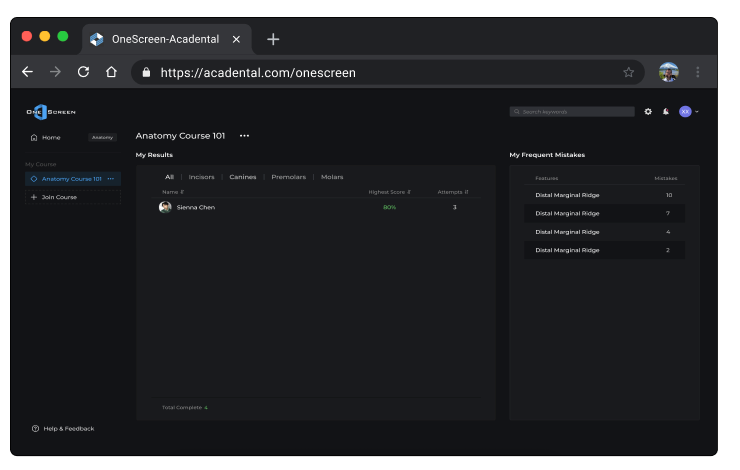
Connected Teaching Workflow
Monitor completion, performance, and assessment insights through a centralized dashboard.
Bring Dental Anatomy to life with interactive 3D models designed for teaching and demonstration. Rotate, isolate, and examine anatomical structures from multiple orientations beyond static textbook images.
Share interactive 3D anatomy models and annotated screens through simple links. Students and colleagues can open and explore them instantly—no installs or logins required—anytime, anywhere.
Start Today
Full access to OneScreen Dental Anatomy on a monthly subscription — study 3D models and interactive learning tools anytime. Cancel whenever you like.
Features
Full 3D platform for teaching, learning, assessment, and faculty management. Designed for dental schools and training programs.
Features